In our Invisible City, as the population grows and the subway map expands, Conductor Mickey sometimes finds that a simple Star Hub isn’t enough. When the “Station” information becomes a giant, messy pile of repeating words, it’s time to move to the Snowflake Schema.
If the Star Schema is the “Express Line,” the Snowflake is the “Highly Detailed District.”
What is a Snowflake Schema?
In the previous post, we saw how the Star Schema keeps things simple. But what happens when your data starts repeating itself? What if you have 10 million rows, and you’ve written “United States” and “North America” 10 million times?
That’s a lot of wasted space in Mickey’s storage yard! To fix this, we Normalize the data.
A Snowflake Schema is a Star Schema where the Dimension Tables are broken down into even smaller, more specific tables. It’s called a “Snowflake” because when you draw it, the branches move further and further away from the center, looking like a crystal.
1. The Normalization: Breaking Down the Story
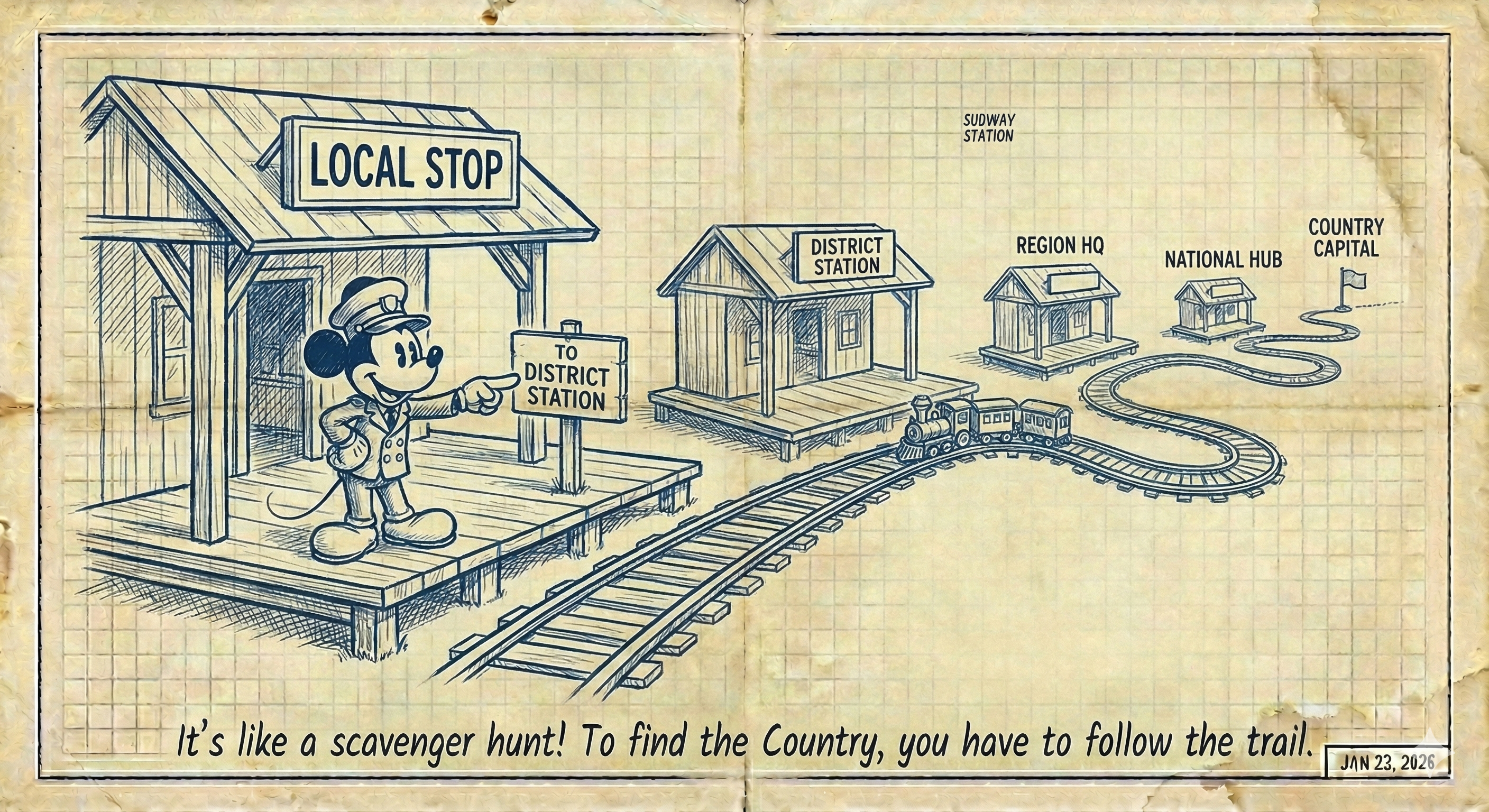
In a Snowflake, we don’t put everything about a station in one table. We split the “Station” from the “District,” and the “District” from the “Region.”
📝 Example: The Branching Dim_Station
Instead of one big table, we have a chain of three:
- Dim_Station (Level 1): Contains
Station_Name. Points toDistrict_ID. - Dim_District (Level 2): Contains
District_Name. Points toRegion_ID. - Dim_Region (Level 3): Contains
Region_Name(e.g., “Bavaria” or “North America”).
2. Why Use the Snowflake?
You might think, “Mickey, why make it so complicated?” There are two main reasons:
A. The “Storage Saver” (Efficiency)
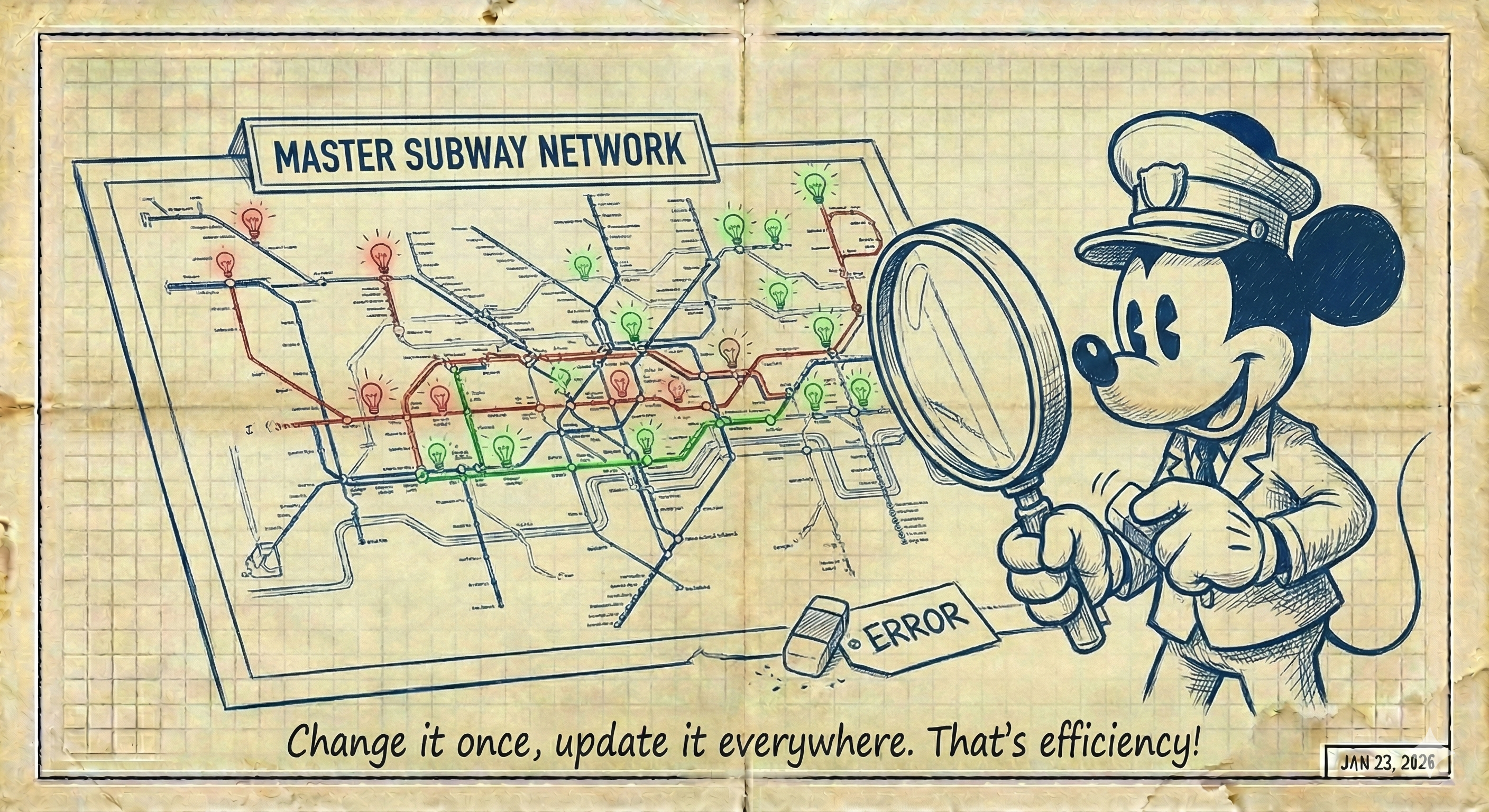
In a Star Schema, if you want to change “N. America” back to “North America,” you might have to update 10 million rows. In a Snowflake, you change it once in the Dim_Region table.
- Usage: Use this when you have massive datasets where storage costs and data integrity (avoiding update anomalies) are the priority.
B. The “Hierarchy Expert” (Complex Relationships)
Sometimes, data is naturally “parent-child.” A Sub-Category belongs to a Category; a Product belongs to a Brand.
- Usage: Use this when your dimensions are very deep and complex, like a massive product catalog for a global retailer.
3. The Trade-Off: The “Transfer” Wait Time
Every time you break a table apart (Normalize), you add a Join.
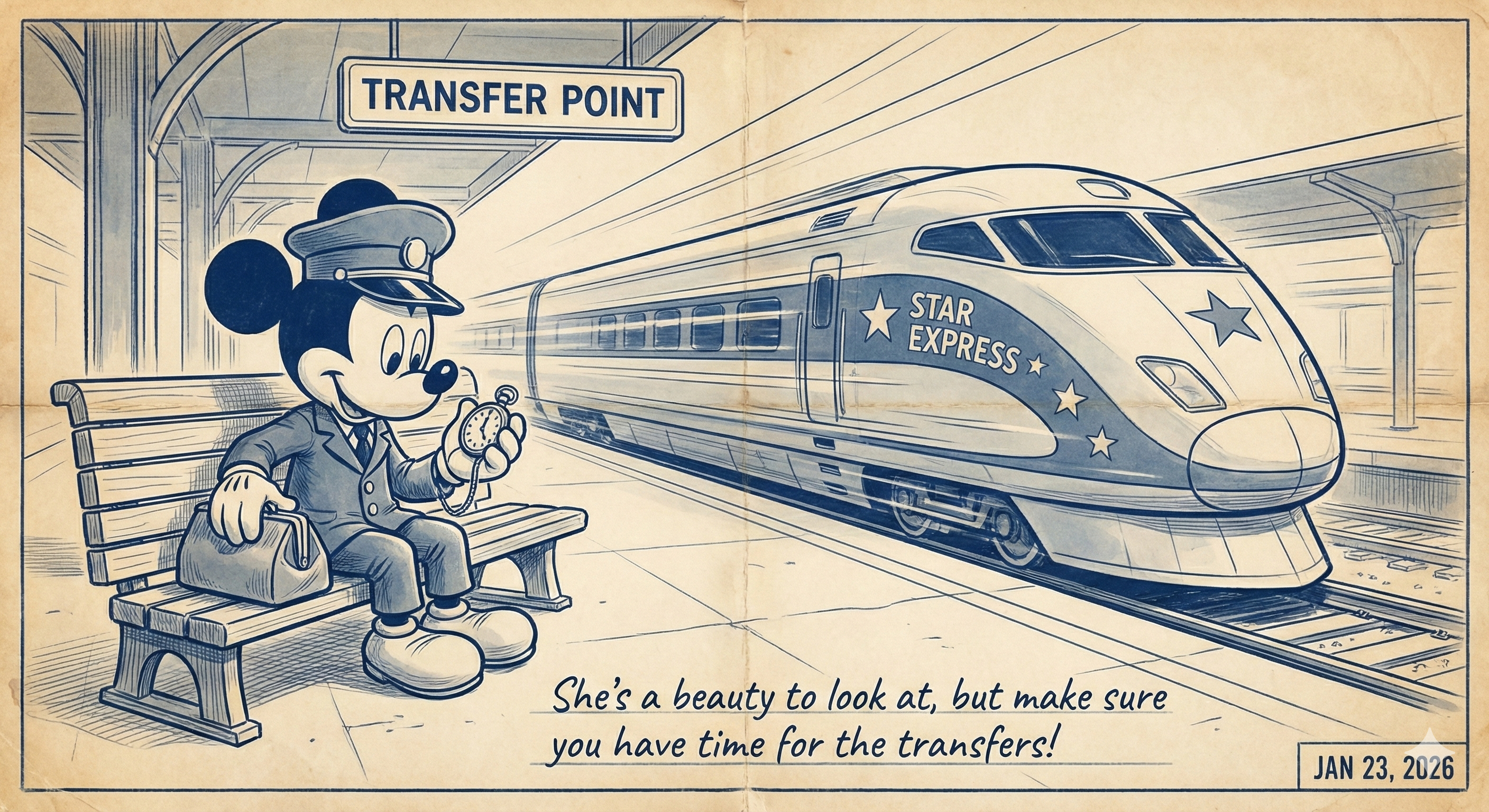
- In a Star: 1 Join = 1 Transfer. Fast!
- In a Snowflake: 3 Joins = 3 Transfers. The “Data Train” takes longer to reach the destination because the computer has to look up more tables.
4. Technical Comparison: Star vs. Snowflake
| Feature | Star Schema | Snowflake Schema |
|---|---|---|
| Data Structure | Denormalized (Redundant) | Normalized (Clean & Unique) |
| Storage | Higher (Repeated text) | Lower (Stored once) |
| Query Speed | Lightning Fast | Slower (Too many Joins) |
| Maintenance | Hard (Update many rows) | Easy (Update one row) |
Conclusion: Speed or Detail?
Building the DataSubway is all about balance. Do you need the raw speed of the Star Schema’s Express Line, or do you need the organized, space-saving detail of the Snowflake District?
Most modern Cloud Data Warehouses (like Snowflake or BigQuery) can handle the joins of a Snowflake schema easily, but for the “Gold” layer of your Medallion architecture, the Star often remains King.
What’s next? Now that we’ve seen the “Fast Star” and the “Detailed Snowflake,” we need to bring them face-to-face.