In our Invisible City subway system, we’ve talked about the “Time Machine” features in Delta Lake for big data. But what if your main terminal is built on a traditional, reliable foundation like Azure SQL Database?
Usually, a database has short-term memory. If a passenger changes their destination from “Station A” to “Station B,” the database overwrites the old entry. Station A is gone forever.
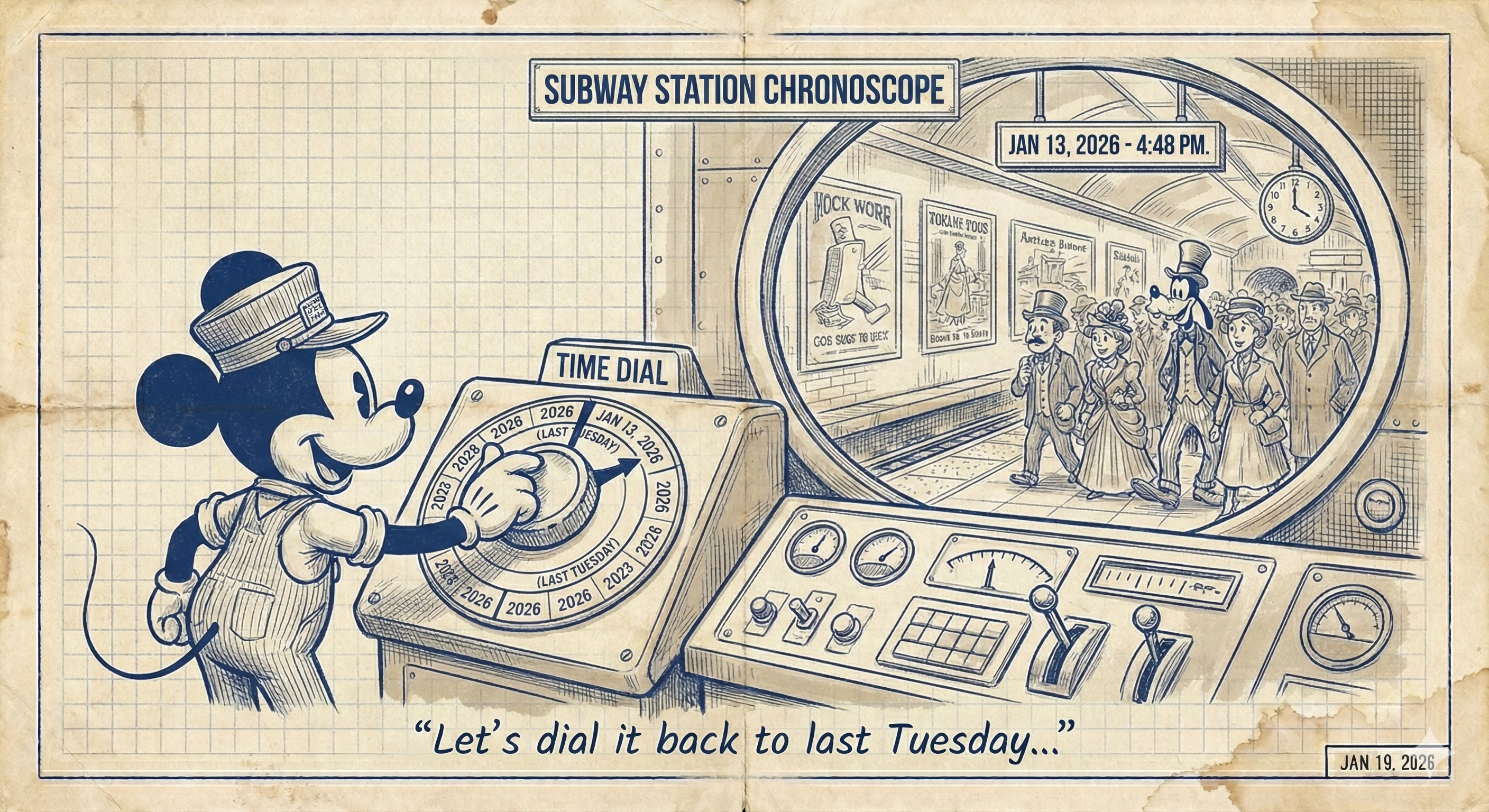
But sometimes, Conductor Mickey needs to know exactly what the city looked like last Tuesday at 2:00 PM. To do that without a magic wand, he uses Temporal Tables.
1. The Anatomy: The Station and its Shadow
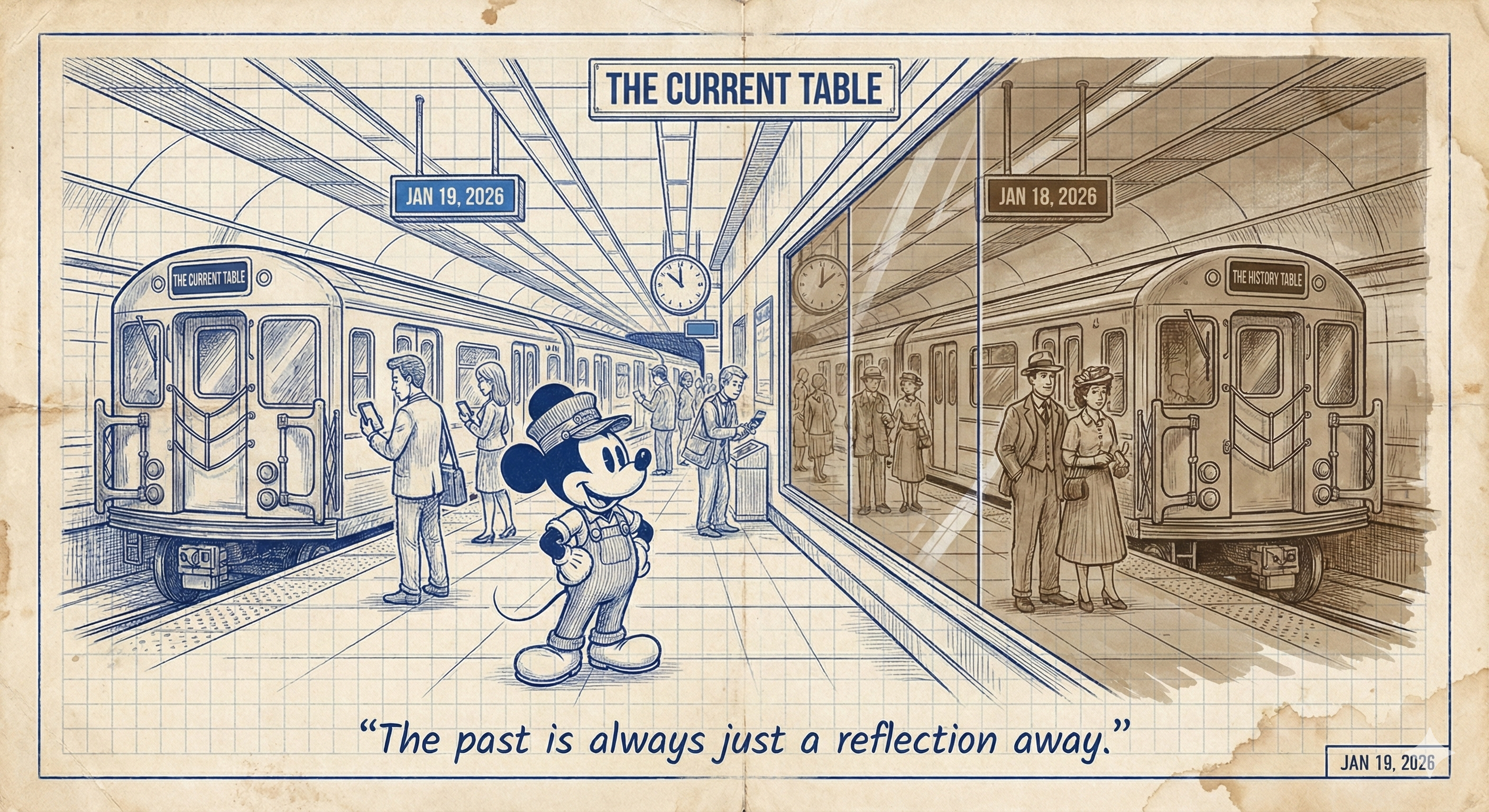
A Temporal Table (also known as a system-versioned table) isn’t just one table; it’s a “Twin Station” setup that acts like a security camera recording every change.
- The Current Table: This is the station everyone sees. It shows the data as it is right now.
- The History Table: This is a hidden “shadow” station. Every time a row in the Current Table is updated or deleted, the old version is automatically moved into this archive.
- The Clocks (Period Columns): Two hidden columns (
ValidFromandValidTo) that mark exactly when a record was active.
2. The Operations: How the “Black Box” Works
When Mickey manages a Temporal Table, Azure SQL does all the heavy lifting in the background. Here is the logbook of how passengers (data rows) move between the stations.
A. The Setup (Building the Station)
To turn a regular station into a Temporal Station, we add the “Clocks” and link it to a history table in the blueprint:
CREATE TABLE SubwayStations
(
    StationID int NOT NULL PRIMARY KEY CLUSTERED,
    StationName nvarchar(50) NOT NULL,
    Capacity int NOT NULL,
    -- The two 'Clocks' start here
    ValidFrom datetime2 (2) GENERATED ALWAYS AS ROW START,
    ValidTo datetime2 (2) GENERATED ALWAYS AS ROW END,
    PERIOD FOR SYSTEM_TIME (ValidFrom, ValidTo)
)
WITH (SYSTEM_VERSIONING = ON (HISTORY_TABLE = dbo.SubwayStationsHistory));
B. The INSERT (A New Passenger Arrives)
When you add data, it only goes into the Current Table. Azure SQL automatically sets the ValidFrom time to “Now” and the ValidTo time to the “End of Time” (9999-12-31).
INSERT INTO SubwayStations (StationID, StationName, Capacity)
VALUES (101, 'Mickey Central', 500);
Result: ‘Mickey Central’ is in the Current table. The History table remains empty.
C. The UPDATE (Changing Seats)
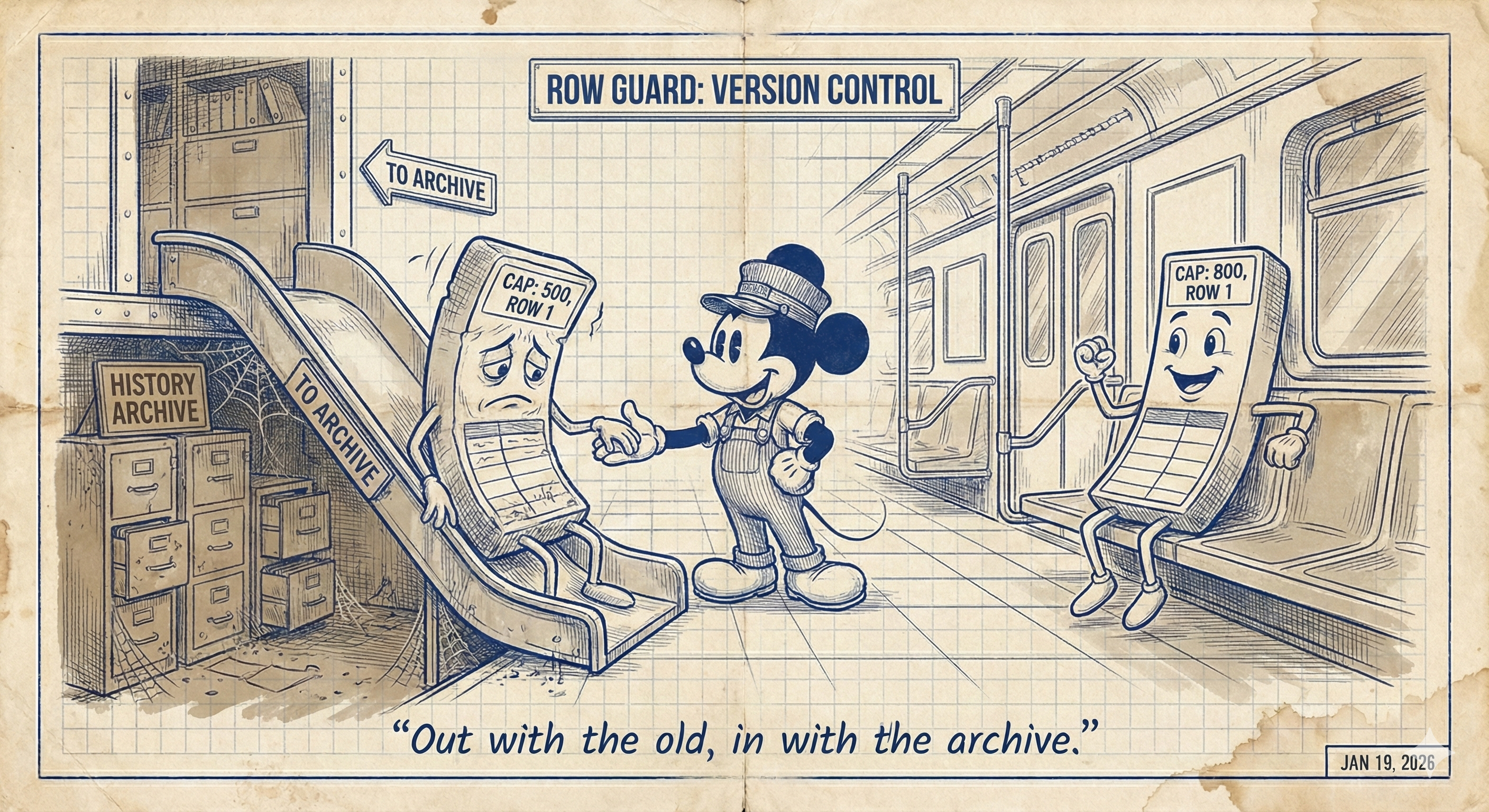
This is where the magic happens. Mickey needs to change the capacity of the station from 500 to 800. Azure SQL intercepts this change:
- It takes the Old Record (Capacity 500) and moves it to the History Table, stamping it with the exact time it “died.”
- It puts the New Record (Capacity 800) into the Current Table, stamping it with the new start time.
UPDATE SubwayStations
SET Capacity = 800
WHERE StationID = 101;
D. The DELETE (Closing the Station)
If Mickey closes a station, it disappears from the “Current” view entirely, but the complete final record is saved in the History Archive forever.
3. Time Travel: Querying the Past
The whole reason we build these “Shadow Stations” is so we can travel back in time easily. You don’t need to restore old backups; you just use a special SQL phrase: FOR SYSTEM_TIME.
The “AS OF” Query (The Snapshot)
Imagine it is Friday, but the City Mayor wants to know the station capacity from last Tuesday at 2:00 PM.
SELECT * FROM SubwayStations
FOR SYSTEM_TIME AS OF '2026-01-13 14:00:00'
WHERE StationID = 101;
How it works: Azure SQL automatically looks at both the Current and History tables, finds the one record where Tuesday 2:00 PM falls between the start and end times, and serves it to you.
The “Time Range” Query (The Life Story)
Sometimes you want to see every change that ever happened to a station.
SELECT * FROM SubwayStations
FOR SYSTEM_TIME FROM '2026-01-01' TO '2026-02-01'
WHERE StationID = 101
ORDER BY ValidFrom;
This returns a list of every version of Station 101 that existed during that month. It’s like watching a time-lapse video of the data changing.
Conclusion: Trust, but Verify
In the Invisible City, data is constantly changing. Mistakes happen. Someone runs an UPDATE without a WHERE clause, or a bug corrupts a price list.With Temporal Tables, Mickey never has to panic. He has a built-in security camera that lets him answer the ultimate question: “What did we know, and exactly when did we know it?”